What Happens to Your Social Media When You Die?
What Facebook, Instagram, Google, Apple and others do with your accounts after death, and the simple settings that let you decide now.
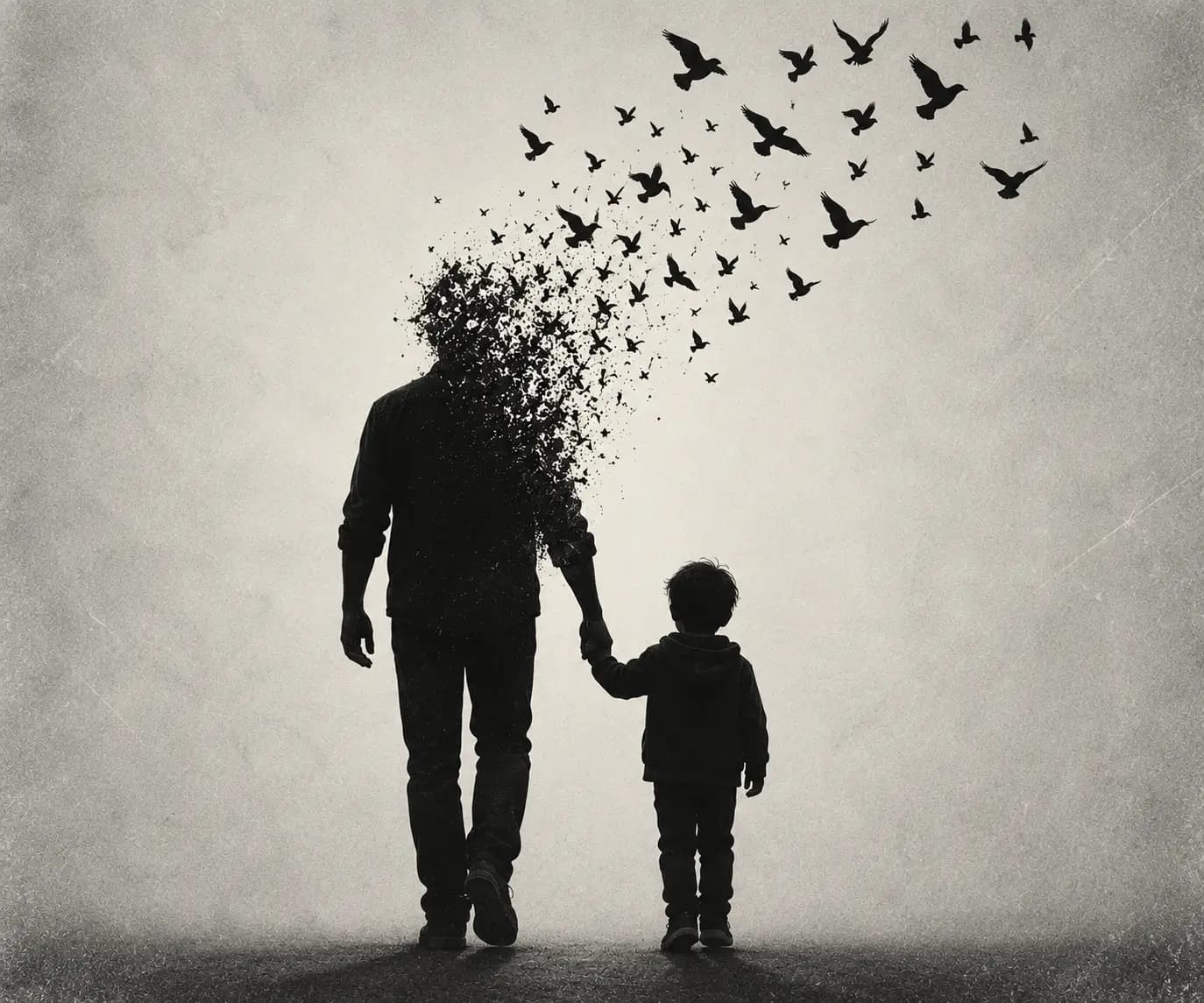
Picture a birthday notification. A phone buzzes on a Tuesday morning: "It's Sam's birthday today! Help them celebrate." Sam died eight months ago. The profile picture is still the holiday photo from Lisbon. Friends still post on the wall now and then, and every year the reminder arrives, cheerful and oblivious.
Some people find this comforting, a place to visit. Others find it unbearable. What almost nobody finds is a clear answer to the practical question underneath: who is in charge of a person's online life once they have gone?
Around 170,000 people die every day around the world, a figure you can watch tick upward on the live counter. A large and growing share of them leave behind social media profiles, email inboxes, cloud photo libraries and online accounts. A widely reported 2019 study by researchers at the Oxford Internet Institute estimated that Facebook could hold well over a billion profiles of deceased users by the end of this century, and that the dead could outnumber the living on the platform at some point in the second half of the century. Our digital remains are becoming one of the largest archives of human life ever created.
This guide explains what the major platforms actually do when someone dies, what families can and cannot do, and the settings you can switch on today so the decision is yours.
Why this is harder than it sounds
When someone dies, the law has well-worn routes for their house, their bank account and their car. Online accounts do not fit neatly into those routes.
| Physical belongings | Online accounts |
|---|---|
| Owned outright | Usually a licence to use a service, under the platform's terms |
| Pass under a will or intestacy | Governed largely by the platform's own policies |
| Family can open the drawer | Family usually cannot log in, and platforms discourage it |
| Clear rules for executors | Rules vary platform by platform |
Most platforms' terms say accounts are personal and should not be accessed by anyone else. Logging in with someone's password after they die may break those terms, and security features such as two-factor authentication mean it often is not possible anyway. So the realistic routes are the official ones: memorialisation, deletion requests and legacy settings.
Platform by platform
Policies change, so always check each platform's help centre for the current process. Here is how the major services work in broad terms.
Facebook gives you two choices for your account after death: memorialise it, or delete it permanently.
A memorialised profile shows the word "Remembering" next to the person's name. It stops appearing in public places such as birthday reminders and friend suggestions, and nobody can log into it. Depending on privacy settings, friends can still share memories on it.
You can also choose a legacy contact: someone who can look after a memorialised profile. A legacy contact can do things like write a pinned post, update the profile and cover photo, and respond to new friend requests. They cannot log in as you or read your private messages.
| Facebook setting | What it does |
|---|---|
| Legacy contact | Names someone to manage a memorialised profile |
| Memorialisation | Turns the profile into a remembrance page |
| Delete after death | Asks Facebook to permanently remove the account once notified |
Family members can request memorialisation by reporting the death, and immediate family can request removal, usually with proof of death.
Instagram, also owned by Meta, can memorialise accounts when it is told about a death, and verified immediate family members can ask for an account to be removed. A memorialised Instagram account stays visible but cannot be changed or logged into.
Google (Gmail, Photos, YouTube, Drive)
Google offers one of the most useful planning tools available: the Inactive Account Manager. You decide how long Google should wait (from a few months to over a year) without any sign of activity before treating the account as inactive. Then you choose:
- up to 10 trusted people to be notified
- which data they may download, such as photos, email or files
- whether the account should then be deleted
Google has also said it can delete personal accounts that have been inactive for two years, which makes setting up the Inactive Account Manager more important, not less. Without it, families can submit a request about a deceased user's account, but Google decides case by case and access to content is not guaranteed.
Apple (iCloud)
Apple lets you add a Legacy Contact in your Apple Account settings. When you set one up, they receive an access key. After your death, they can use that key together with a death certificate to request access to much of the data stored in your iCloud, such as photos, notes, mail and files. Some items, including passwords stored in your keychain and payment information, are not made available.
Without a Legacy Contact, getting into an Apple account after death can be very difficult and may require a court order.
Other services
| Service | Typical approach after death |
|---|---|
| X (formerly Twitter) | Verified family or an authorised estate representative can request deactivation |
| Profiles can be memorialised or closed on request | |
| Microsoft accounts | Accounts are typically closed after a period of inactivity, and family can request help |
| TikTok, Snapchat and others | Usually a deactivation request with proof of death |
| Streaming and shopping accounts | Cancel through the account or the card provider |
The two big decisions
Every platform's options boil down to two questions. It is worth deciding your answers now, while you can.
| Question | Option A | Option B |
|---|---|---|
| Should my profiles stay online? | Memorialise them as a place to remember me | Delete them |
| Should anyone get my content? | Let named people download photos and files | Keep everything private and let it go |
There is no right answer. Some people love the idea of a memorialised profile where friends can leave messages on birthdays and anniversaries. Others feel strongly that their online life should end with them. Many want both: photos saved for family, profiles quietly closed.
What matters is that the choice is made by you, not left for a grieving relative to guess.
Photos: the thing families want most
Ask bereaved families what they most want from someone's digital life and the answer is almost always the same: photos. Decades of birthdays, holidays and ordinary Sunday afternoons now live in cloud libraries rather than albums on a shelf.
| Where photos often live | How to make sure they are not lost |
|---|---|
| Google Photos | Inactive Account Manager with a trusted contact |
| iCloud Photos | Apple Legacy Contact |
| Facebook and Instagram | Download your information periodically, or memorialise |
| A phone with no cloud backup | Back up regularly, and tell someone how to access the device |
| Old hard drives and memory cards | Label them and say where they are |
A once-a-year habit of exporting photos to a shared family drive or an external hard drive is one of the simplest and kindest things you can do.
Money hiding online
Not all digital assets are sentimental. Some have real cash value, and they are easy to lose.
| Digital asset | Why it gets lost |
|---|---|
| PayPal and other payment balances | Nobody knows the account exists |
| Online savings or investment apps | No paper statements arrive |
| Cryptocurrency | Without the keys or recovery phrase, it may be unrecoverable |
| Domain names and websites | They expire quietly and are bought by others |
| Online businesses and shops | Income stops, customers are left waiting |
| Loyalty points and air miles | Often expire or are not transferable |
Cryptocurrency is the extreme case. If the private keys or recovery phrase are lost, the money is, in practice, gone forever, however much it was worth.
What to write down, and what never to
The instinct is to leave a list of passwords. Please do not. A list of passwords is a security risk while you are alive, it goes out of date almost immediately, and in England and Wales a will becomes a public document once probate is granted, so passwords should never go in a will.
Instead, record where things are and how access is meant to work:
| Record this | Never record this |
|---|---|
| Which email provider you use | Your email password |
| That you use a password manager, and which one | Your master password |
| Which social media accounts you have | Login details |
| Your wishes for each account (memorialise or delete) | Security questions and answers |
| That you hold crypto, and who holds sealed access instructions | Seed phrases written in an ordinary document |
| Which legacy settings you have switched on | One-time codes or PINs |
That approach is exactly how the "My Digital Life" section of our When I'm Gone planner is designed: it helps you list accounts, devices and domains, and your wishes for each, without ever storing a password.
A 20-minute digital legacy checklist
You can do most of this in a single sitting.
| Step | Time |
|---|---|
| Choose a Facebook legacy contact, or choose deletion | 3 minutes |
| Set up Google Inactive Account Manager | 5 minutes |
| Add an Apple Legacy Contact (if you use Apple) | 3 minutes |
| Decide memorialise or delete for your other accounts | 3 minutes |
| Write down which accounts you have and your wishes | 5 minutes |
| Tell one trusted person that you have done it | 1 minute |
That last step matters most. A legacy setting that nobody knows about still works, but a family who knows what to expect will be spared a great deal of confusion.
Where this fits into wider planning
Your digital life is one part of a bigger picture. A will decides who inherits, and our guide to what happens if you die without a will in the UK shows why it matters. Our Will Calculator can help you think through what a will should cover. And if you are handling things after a death right now, our guide to what to do when someone dies in the UK sets out the practical steps in order. For the information a will does not cover, our piece on what your family needs to know when you're gone is a good place to start. You might also find it helpful to read about the top regrets of the dying, or to use our Life Clock to see how much time the averages suggest you have to get these things in order.
Leaving a kinder trail
A social media profile is, in a strange way, one of the most complete records of a life that has ever existed: the jokes, the holidays, the friendships, the ordinary days. Deciding what happens to it is less about technology than about the people who will look at it afterwards.
Every second, roughly two more people join the count of those who have died, and more of them each year leave a digital life behind. Twenty minutes and a few settings now can mean that, when the time comes, your family find the photos they want and the birthday reminders stop, just as you would have wished.
Sources: Official help centre guidance from Meta (Facebook and Instagram), Google (Inactive Account Manager and inactive account policy), Apple (Legacy Contact), X, LinkedIn and Microsoft, current at the time of writing. Estimate of deceased Facebook users from Öhman and Watson, Oxford Internet Institute, published in Big Data & Society (2019). Platform policies change frequently, so check each service's help pages. This article is general information only and is not legal advice.
You might also like
What Your Family Needs to Know When You're Gone
The practical details families scramble to find after a death, why they're rarely written down, and a calm 13-part way to organise them in one place.
What Happens If You Die Without a Will in the UK?
Who inherits when there is no will in England and Wales, why unmarried partners can be left with nothing, and how Scotland and Northern Ireland differ.
What Happens in the Last Days of Life: A Gentle Guide
The common signs that someone is in their last days or hours, why they happen, how carers can help, and what families often wish they had known.